Intelligent Automation for Efficiency
Auto-release of ghost bookings, real-time room kiosks, and analytics keep available rooms in use.

WorkInSync meeting room booking software lets employees find and reserve rooms from a browser, Microsoft Outlook, Microsoft Teams, Google Calendar, mobile app, or a room display kiosk outside the room, and auto-releases any room where nobody checks in. Facilities teams get real room utilization by office, floor, capacity, and room type, so you right-size rooms instead of adding more.






Most enterprises do not have a meeting room shortage. They have a ghost booking problem. Rooms get reserved from a calendar and never occupied, so the calendar shows full while the floor shows empty, and facilities teams respond by building more rooms. The fix is not more rooms. It is check-in based auto-release, so unused rooms return to the pool, and utilization data by room size, so the next fit-out is built on what was actually used.
Employees cannot see what is booked and what is free in real time. Rooms sit idle or get double-booked while teams search for space.
Without occupancy insights, facilities teams cannot identify underused room sizes or plan the next office fit-out on real demand.
Room hunting and booking conflicts take time away from collaboration and interrupt meetings already in progress.
Overlapping reservations and last-minute room disputes disrupt meetings and team coordination.
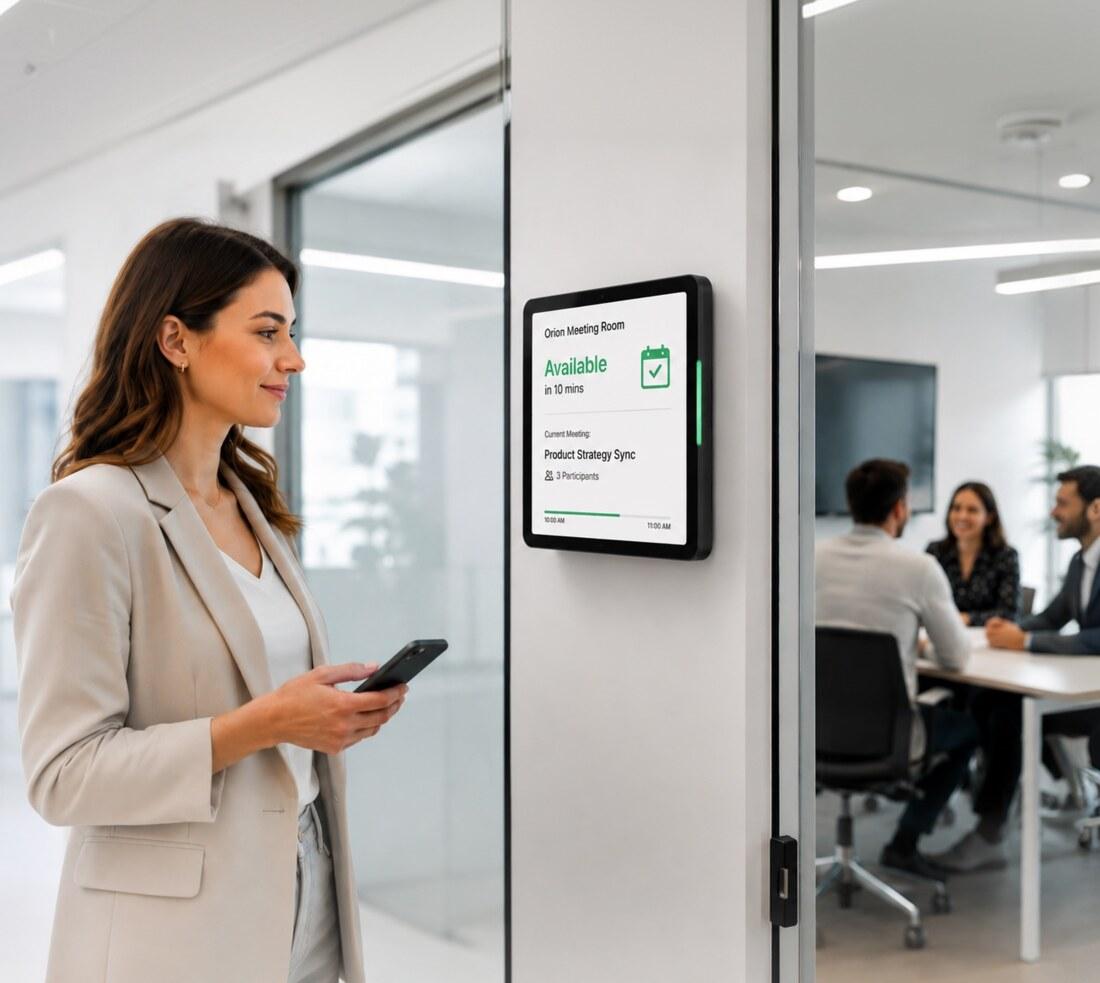
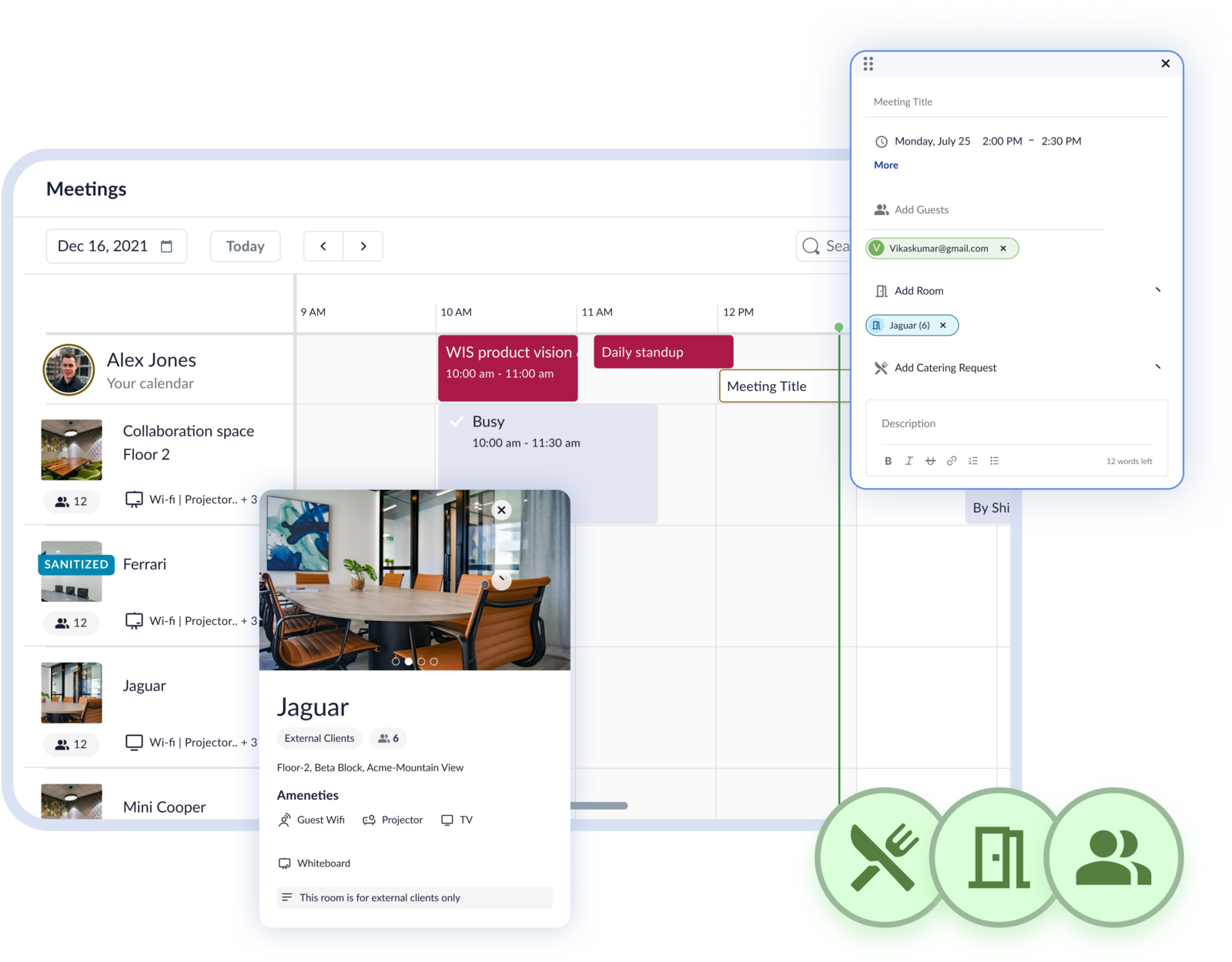
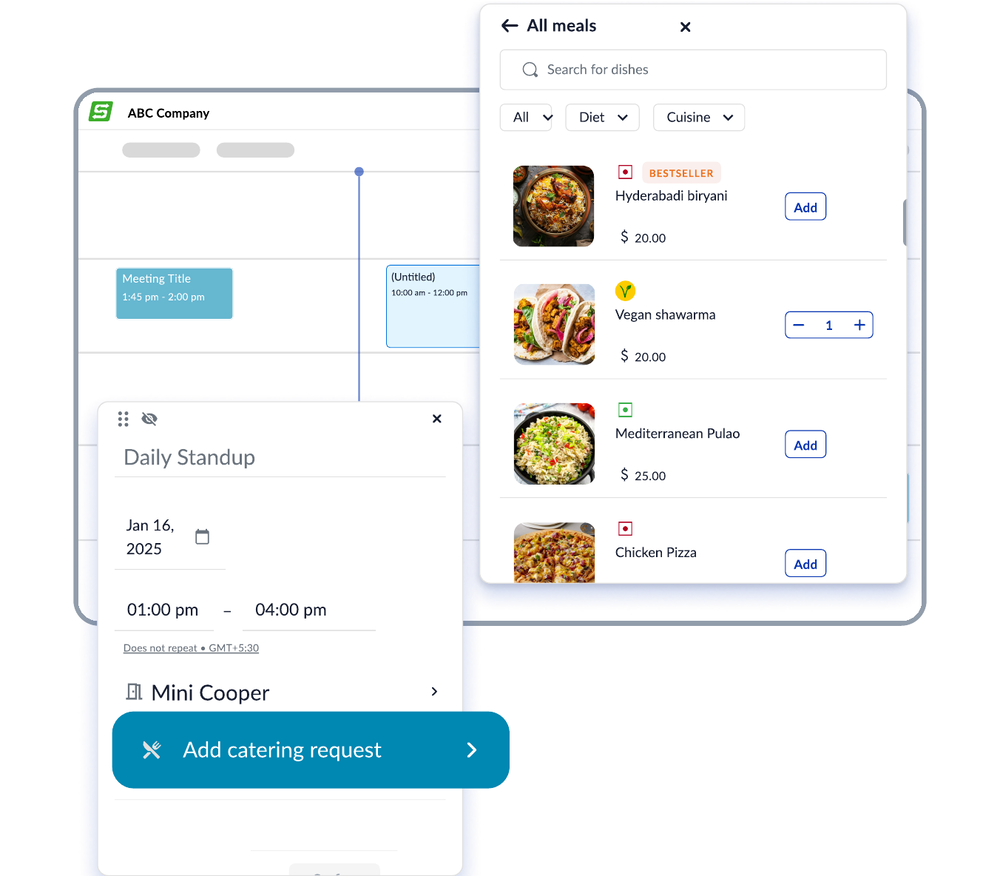
WorkInSync differs from calendar-only room booking (Outlook or Google Calendar resource booking) in three ways: rooms are auto-released when nobody checks in, so a booking that is not used stops blocking the room; booking works both ways, so a room reserved in Outlook, Teams, or Google Calendar appears in WorkInSync and a room reserved in WorkInSync appears in the meeting invite; and every room reports utilization by capacity, floor, and time of day, so facilities teams can see which room sizes are short and which are surplus before committing to a fit-out. Plus, you can trigger catering and IT workflows in the same booking/request.
Auto-release of ghost bookings, real-time room kiosks, and analytics keep available rooms in use.
Employees book through mobile and desktop, Microsoft Teams, Outlook, and Google Calendar.
Manage room usage, set booking windows and check-in rules, and review real utilization from one platform.
From phone booths and open collaboration areas to executive boardrooms, with reporting by room, floor, and capacity band.
Product enhancements and responsive support help teams manage room booking as workplace needs change.
WorkInSync meeting room booking works in four steps: admins map every room with its capacity, floor, and amenities (video, whiteboard, phone booth, open collaboration area); employees book from Outlook, Microsoft Teams, Google Calendar, the mobile app, or the kiosk outside the room; the booker checks in on the kiosk or app when the meeting starts, or the room is auto-released after the grace period and returned to the pool; and the platform records occupancy against every booking so utilization reports show real use, not reserved time.
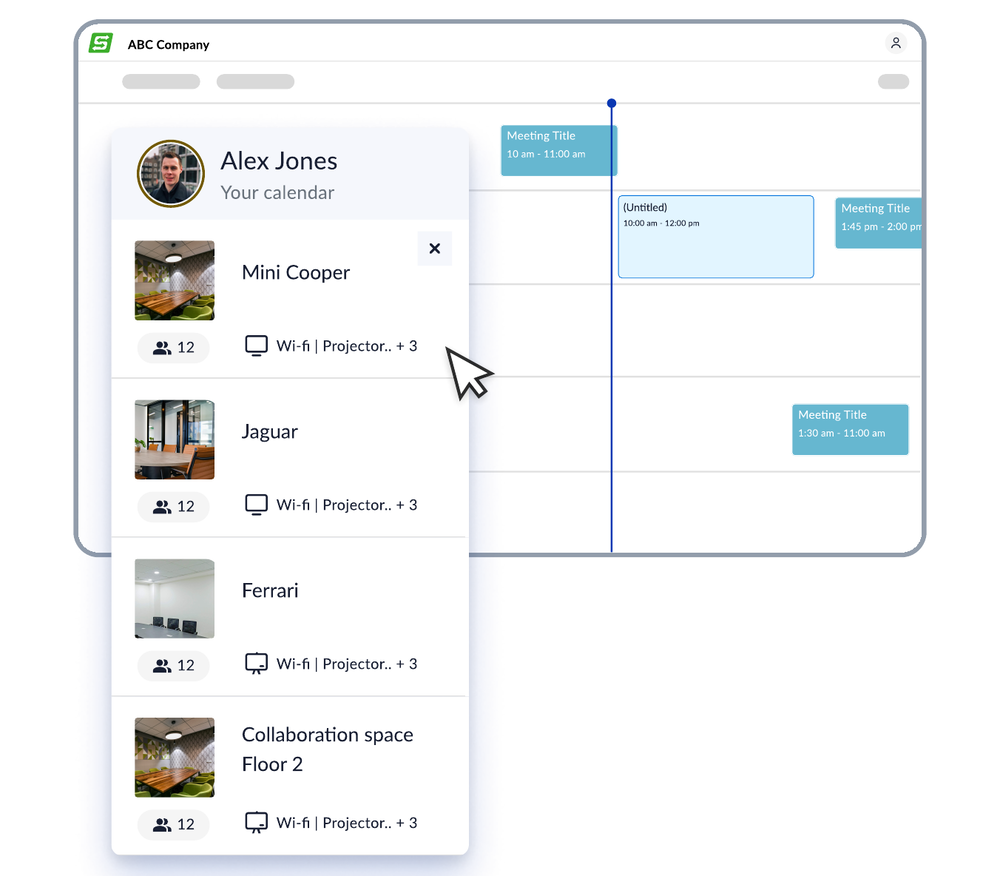
Browse available rooms through interactive floor plans, filter by capacity and amenities, and reserve from the browser or mobile app.
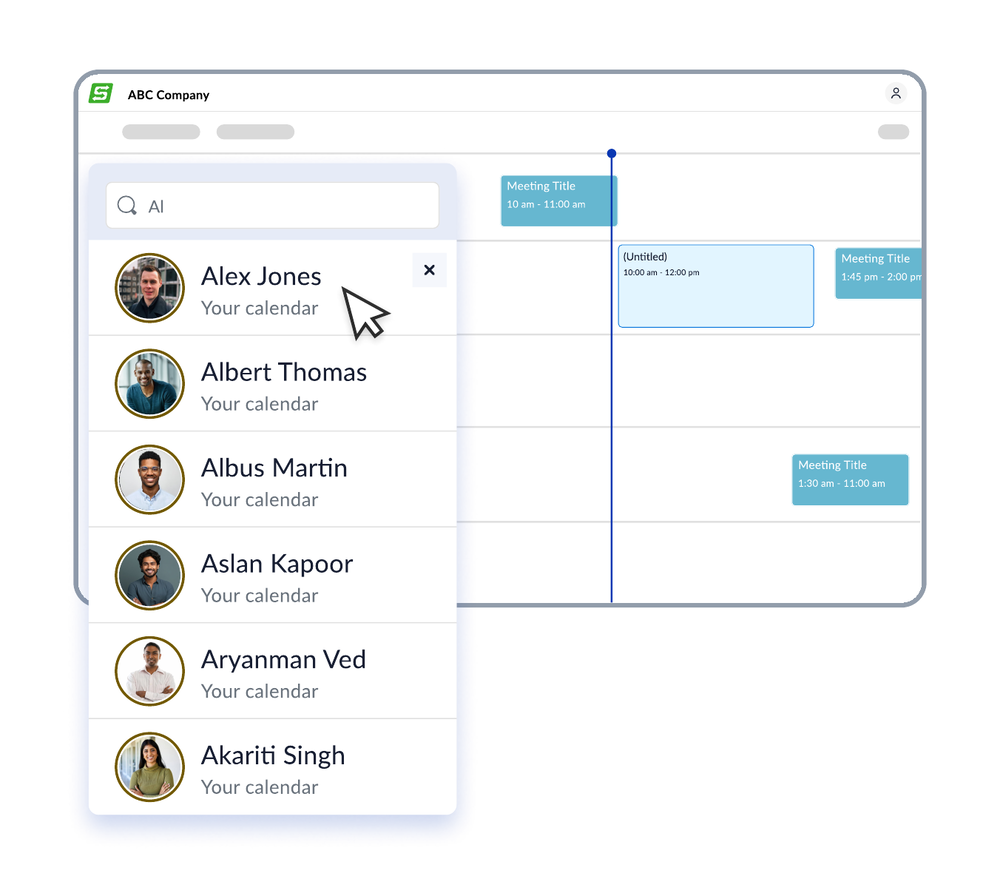
Connect Microsoft Teams, Outlook, Google Calendar, and HRMS. Bookings sync with calendar invites, while confirmations, reminders, and availability updates reach employees in their preferred tools.
Configure access levels for employees, managers, and administrators. Set booking permissions, approve requests, and manage room policies by role.
Security and access controls are covered on the IT & Risk page: ISO 27001, ISO 27701, SOC 2 Type 2, GDPR, SSO and SCIM provisioning, and audit history.
WorkInSync’s room display kiosk outside the room shows live availability, supports on-the-spot reservations, and lets the organiser check in when a meeting starts.
Check availability and book a meeting room on the spot with a tap at the kiosk.
Kiosk bookings follow duration limits, advance booking windows, and room access rules set by your team.
Check-in-based auto-release returns unused rooms to the pool after the configured grace period.
Review bookings and check-ins to see which rooms are used and where capacity is underused.
The Meeting Room Kiosk supports iOS, Android, Crestron, IAdea, Zoapi, and Cisco, so you can use compatible hardware already in your office.
Customize the kiosk screen to reflect your brand, layout, and booking workflows.
Accessible color schemes and ADA-compliant design support employees with different accessibility needs.
Key capabilities of WorkInSync meeting room booking: automatic release of rooms with no check-in, booking of phone booths and open collaboration areas alongside formal rooms, search by capacity, location, and equipment, bi-directional sync with Google Calendar and Outlook plus an Outlook add-in, on-the-spot booking from a kiosk outside each room, and utilization reports by room, floor, capacity band, and time of day for facilities and real estate decisions.
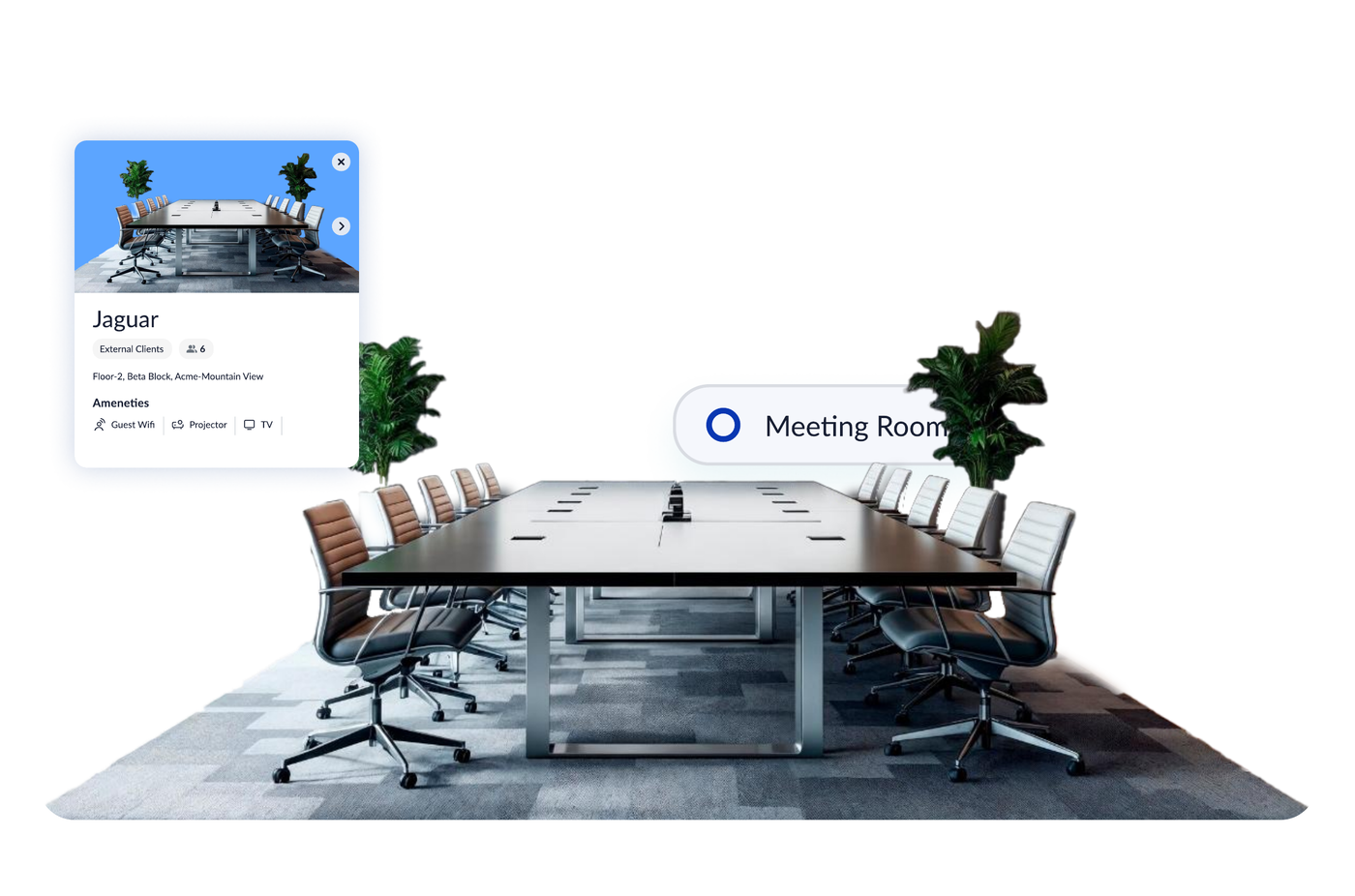
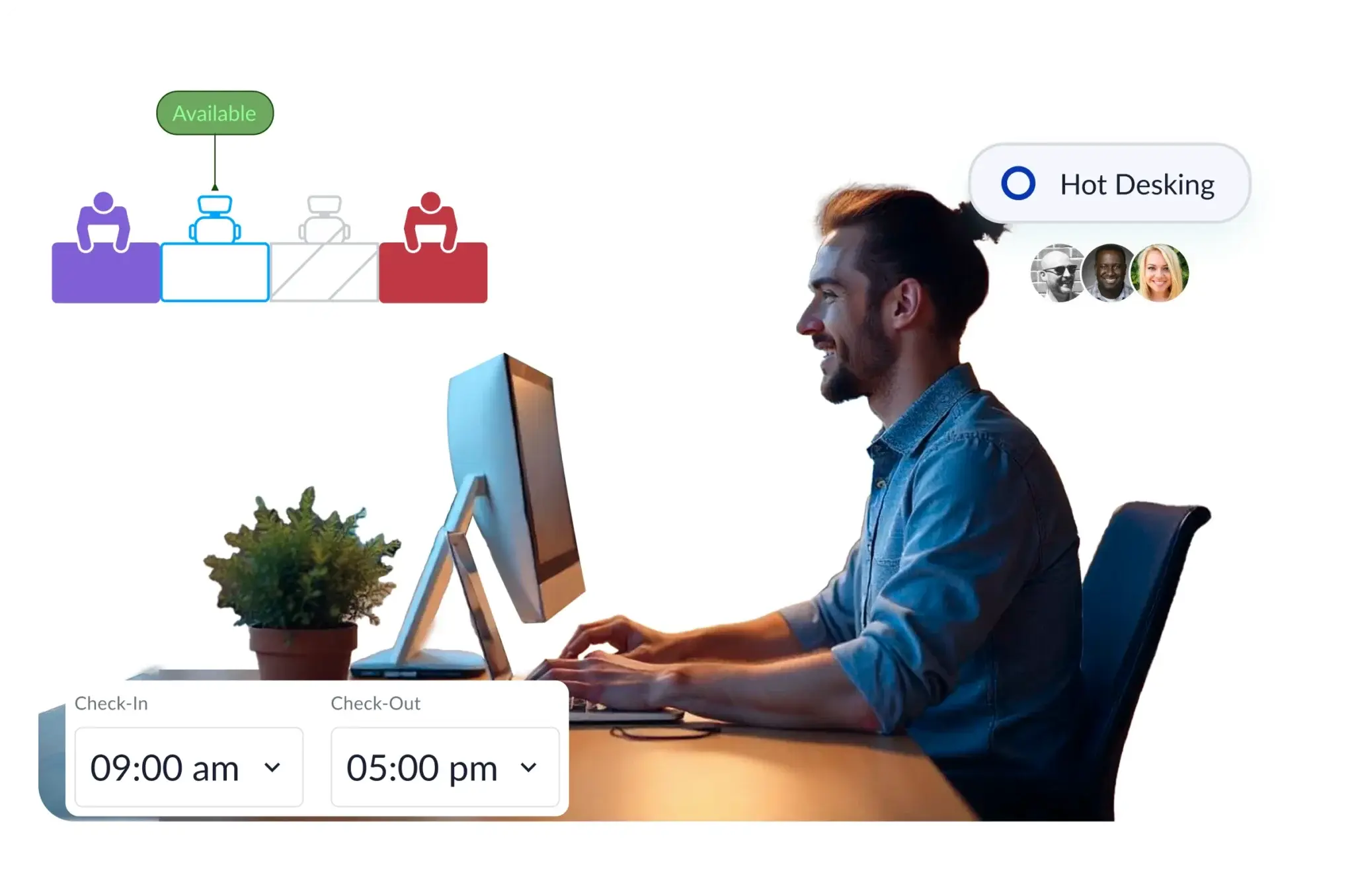

Real-time Insights for Optimal Room Usage
The primary benefit is capacity you already own coming back into use. Auto-release on no check-in returns ghost-booked rooms to the pool the same hour, and utilization by room size shows whether you are short of 4-seat huddle rooms or long on 12-seat boardrooms, so the next lease or fit-out is sized on occupancy rather than on booking requests. Employee benefits follow: a free room in seconds from the tools they already use, and no more meetings interrupted to ask if the room is taken. Also, you can add booking rules, trigger catering and IT request workflows.
Find a free room from the tools employees already use, without walking the floor or interrupting another meeting.
Use occupancy and capacity data to decide which room sizes to add, convert, or remove instead of building more rooms by default.
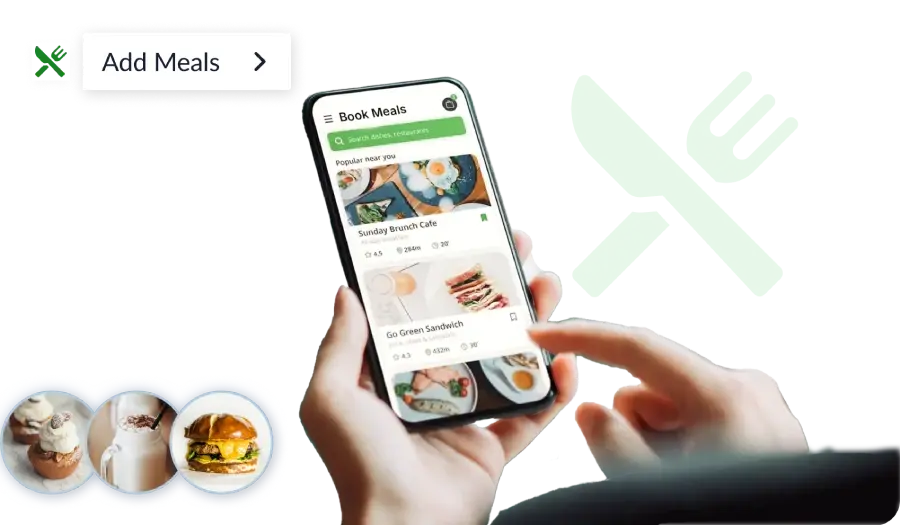
Apply booking rules and check-in requirements, and trigger catering and IT request workflows from the same reservation.
Read the latest thinking from WorkInSync's product team on meeting room booking, ghost bookings, room utilization, hybrid scheduling, and workplace analytics.
View All BlogsWorkInSync has delivered measurable room and space results for global enterprises. Read how an ODC of a global consulting client runs meeting rooms and desks for 43,000 employees on one platform, and how enterprises in manufacturing and retail recovered room capacity from ghost bookings and right-sized their office footprint.
Facilities, IT, and business leaders describe what changed once room booking, check-in, and utilization reporting ran in one system.
“We wanted to test the technology and the logistics. It went well.”
“With modern workplaces implementing flexible work arrangements and staggered schedules, WorkInSync is a smart tool to streamline operations.”
“Its customizable analytics gave us operational visibility and improved efficiency.”
 Yonda NdikiRE&F Program Manager, Commute, Amazon South Africa
“It helps us to bring our unique demands into reality.”
Talk to a WorkInSync specialist and get a free utilization audit of your current room footprint.